
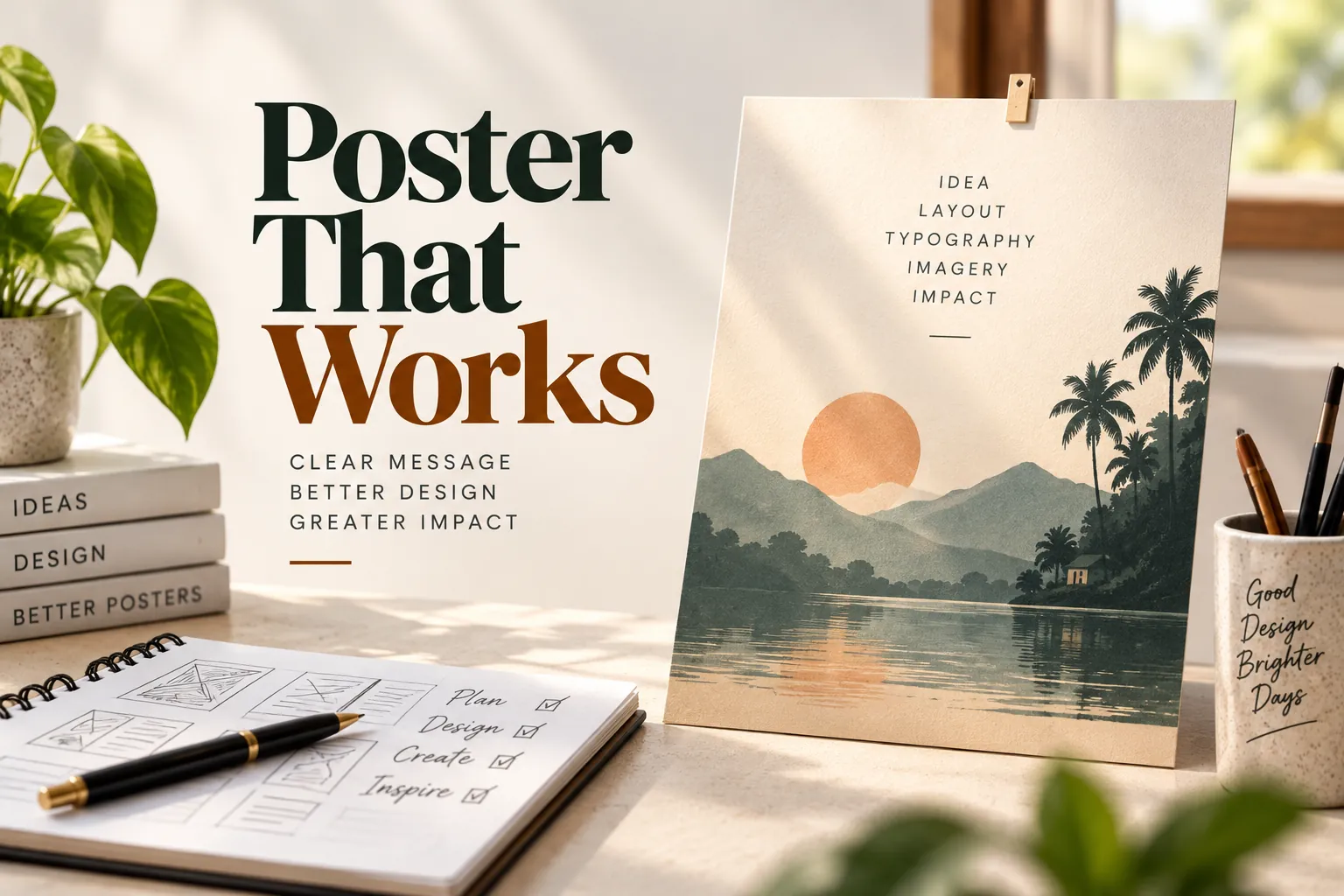
Getting great poster design concepts or copy from ChatGPT can sometimes be a struggle. Without strict guidance, AI tends to invent information, add unnecessary fluff, or ignore the visual hierarchy required for a good layout.
To solve this, I’ve put together a collection of 7 reusable ChatGPT poster prompts. Separated by poster type, these templates enforce your core message, fixed text, and composition rules without letting the AI overcomplicate things.
Here are seven prompt frameworks you can copy, paste, and adapt for your next design project.
1. The General Poster Prompt
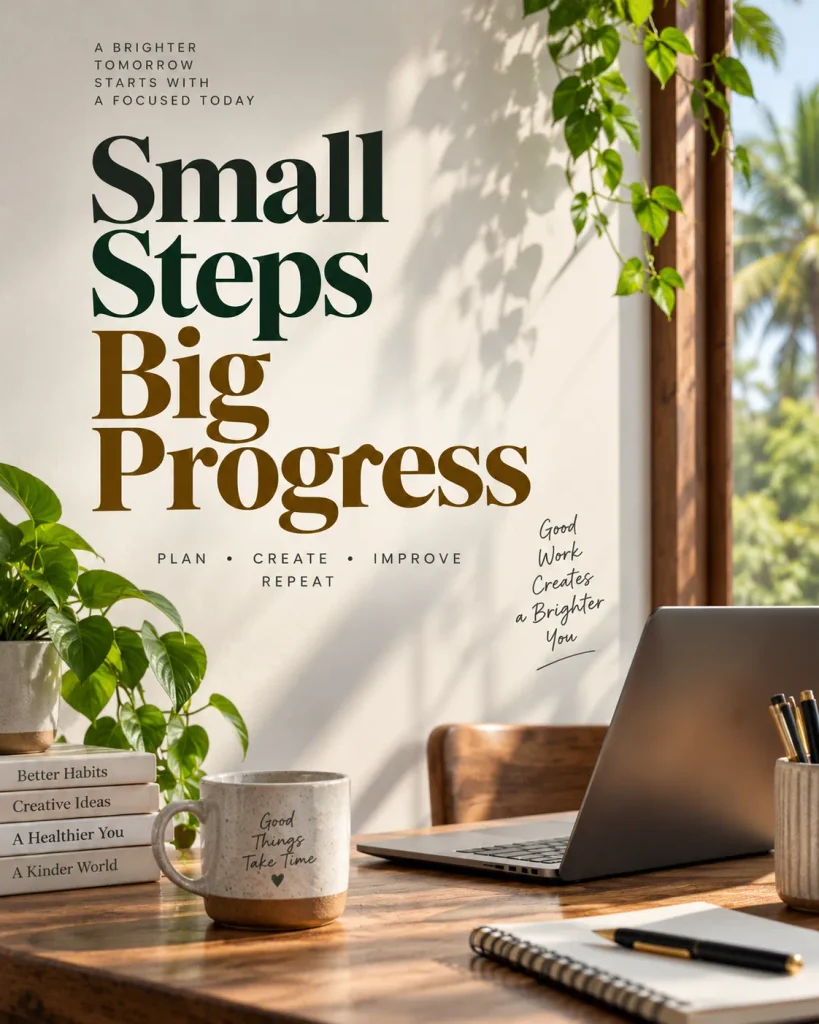
When you need a solid, professional promotional poster but aren’t tied to a specific niche, this prompt sets the baseline. It forces the AI to ask clarifying questions before jumping into the design direction.
Prompt:
Create a professional promotional poster based on my supplied idea and content.
Before creating the poster, ask clarifying questions about:
- The main message or purpose
- Required text and its exact wording
- Intended audience and viewing context
- Preferred layout or composition
- Visual style, mood, color direction, and typography
Preserve every supplied detail exactly. Do not rewrite, correct, paraphrase, shorten, or expand the required text. Do not invent or add names, dates, locations, sponsors, logos, contact details, hashtags, slogans, or any other copy.
Establish a clear visual hierarchy so the primary message is immediately noticeable, supporting information is easy to scan, and all required text remains readable at the intended viewing size. Make the imagery and typography work together rather than competing for attention. Use composition, spacing, scale, contrast, and alignment to create a cohesive poster.
When relevant, present a few suitable layout and visual-style directions for me to choose from before creating the final poster.
2. The Event Poster Prompt
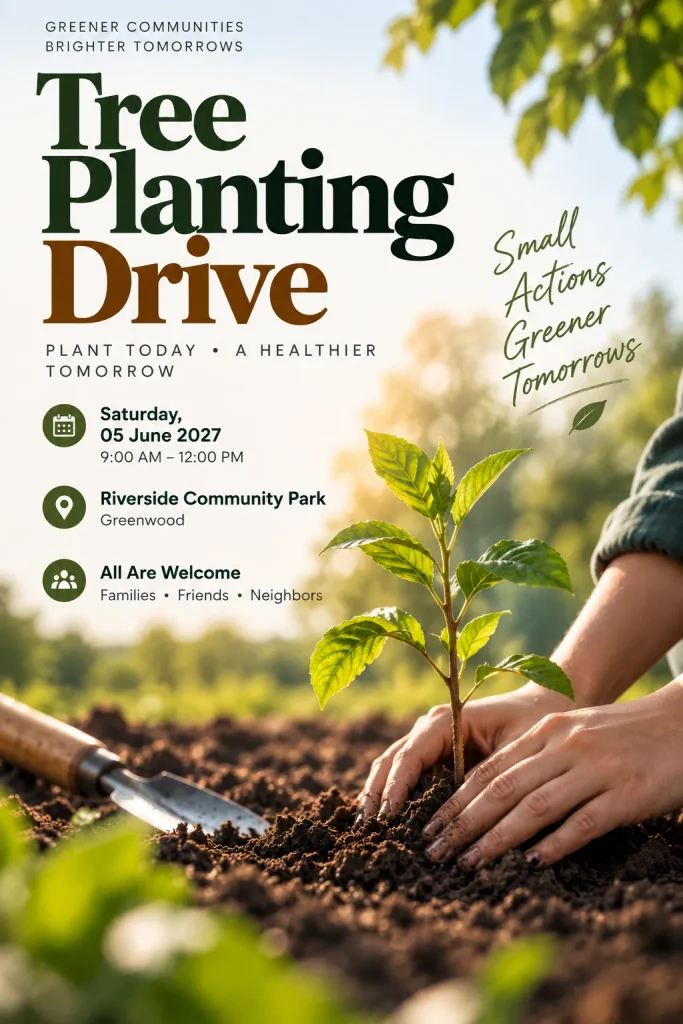
Event posters are notoriously tricky because missing details (like a date or venue) can ruin the design. This prompt treats your supplied information as fixed content, ensuring nothing gets lost or hallucinated.
Prompt:
Create an event poster using the information I provide. First, ask me to clarify:
- Event name and primary message
- Exact required text
- Date and time
- Location
- Call to action, if any
- Intended viewing context, such as social media, print, or digital display
- Preferred visual style and mood
Treat all supplied information as fixed content. Reproduce names, dates, times, locations, and other required text exactly as provided. Do not invent missing information or add sponsors, organizers, logos, contact details, hashtags, taglines, or decorative copy.
Design the poster with a clear hierarchy: 1. Event name or primary message. 2. Key event information. 3. Supporting information. 4. Call to action, if supplied. Ensure the most important information can be understood quickly. Keep all required text legible and give typography enough space to remain readable.
When useful, suggest several appropriate layout directions, such as centered editorial, bold asymmetric, image-led, or structured information-first, along with matching visual styles.
3. The Birthday Greeting Poster Prompt
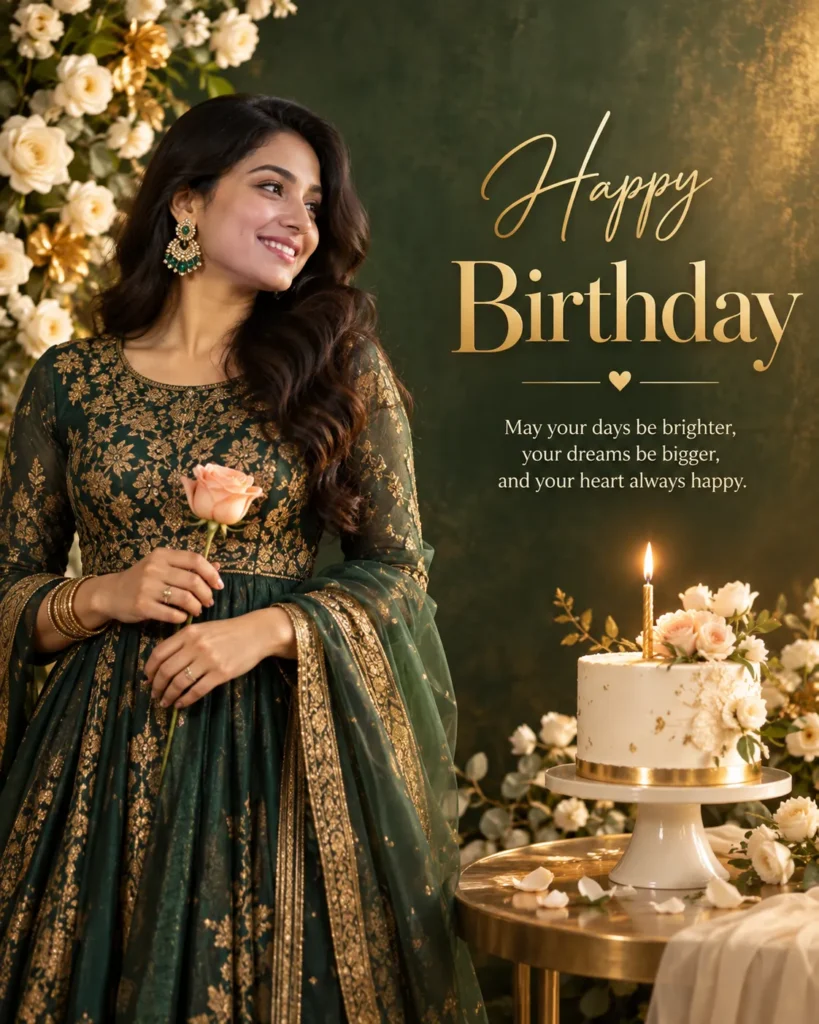
Personal posters need a specific mood and tone. This prompt ensures the focus remains right where it belongs: on the person being celebrated.
Prompt:
Create a birthday greeting poster based only on the details I provide. Before designing it, ask clarifying questions about:
- The exact greeting or required text
- The person being celebrated
- Intended viewing format
- Preferred composition
- Color palette
- Mood and visual style
- Whether the supplied person or image should be the main visual focus
Preserve the supplied wording, names, and other details exactly. Do not invent additional greetings, names, dates, quotes, captions, or decorative text. Create a strong hierarchy between the person, greeting, and supporting visual elements. Typography should complement the imagery and remain clearly readable.
Choose imagery, materials, lighting, composition, and typography according to the selected style and intended viewing context. If the visual direction is not specified, present a few suitable options, such as Elegant luxury, Minimal editorial, Festive traditional, Cinematic portrait, or Modern premium.
4. The Product Promotional Poster Prompt
When selling a product, the item needs to be the hero, but the features and pricing still need to be legible. This prompt is tailored for commercial clarity.
Prompt:
Create a product promotional poster from my supplied product information. First, ask clarifying questions about:
- The primary marketing message
- Exact required text
- Product and its key visual features
- Intended audience
- Viewing context and dimensions
- Desired visual style
- Preferred product placement and composition
Use the supplied product information exactly. Do not invent product features, specifications, prices, offers, brand claims, certifications, website addresses, logos, or promotional copy.
Build a clear hierarchy around the product and primary message. The product should remain visually prominent without making the required text difficult to read. Make the product imagery, typography, background, lighting, and supporting graphics function as one coherent composition.
When appropriate, suggest a few directions such as Clean commercial, Luxury editorial, Bold advertising, Minimal product-focused, or Cinematic lifestyle.
5. The Social Media Poster Prompt
Social media design is an entirely different beast. Attention spans are short, and screens are small. This framework forces the AI to prioritize quick visual comprehension.
Prompt:
Create a social media poster based on my supplied idea and content. Before creating it, clarify:
- The main message
- Exact required text
- Target audience
- Platform and viewing context
- Preferred aspect ratio
- Visual style
- Color and typography preferences
- Desired image or subject placement
Preserve all supplied text exactly. Do not invent or add copy, hashtags, names, dates, locations, logos, sponsors, offers, or calls to action.
Design for quick visual comprehension on a small screen. Establish a strong hierarchy, with the primary message immediately visible and secondary information easy to scan. Keep all required text readable at mobile size. Use imagery, typography, spacing, contrast, and composition to reinforce the message rather than distract from it.
If the visual direction is open-ended, provide a small set of relevant layout and style directions before proceeding.
6. The Information & Awareness Poster Prompt
For infographics, safety notices, or awareness campaigns, facts cannot be altered. This prompt guarantees that your terminology and data remain exactly as you wrote them.
Prompt:
Create an informative poster that communicates my supplied idea clearly and efficiently. First, ask clarifying questions about:
- The central message
- Required information
- Intended audience
- Reading distance and viewing context
- Information hierarchy
- Preferred visual style
- Desired imagery or graphic treatment
Do not alter the supplied facts or required wording. Preserve all names, numbers, dates, terminology, and other details exactly. Do not add facts, explanations, statistics, sources, slogans, logos, organizations, or other content that I did not provide.
Organize the information into a clear hierarchy so viewers can understand the main point quickly and then access supporting details in a logical order. Use typography, icons, imagery, whitespace, scale, and alignment to improve comprehension while avoiding unnecessary decoration.
When appropriate, suggest layout directions such as structured grid, editorial information design, infographic-inspired, or bold headline-led composition.
7. The Compact Master Prompt
If you manage a personal prompt collection (or use a tool like TextExpander), saving all these variations might be overkill. Instead, use this shorter, reusable core prompt that covers all the essential rules of good poster generation.
Prompt:
Create a poster that communicates my supplied idea through clear hierarchy, readable required text, and cohesive imagery and typography. Before creating it, ask clarifying questions about:
- The main message
- Required text and exact wording
- Intended audience and viewing context
- Layout and composition
- Visual style, mood, color, and typography
Preserve every supplied detail exactly. Do not rewrite, paraphrase, correct, shorten, or expand required text. Do not invent or add names, dates, locations, sponsors, logos, contact information, slogans, hashtags, or any other copy.
Prioritize the information according to its importance. Make the primary message immediately noticeable, supporting information easy to scan, and all required text clearly readable at the intended viewing size. Make imagery, typography, composition, spacing, scale, and contrast work together as a unified visual system.
When the direction is open-ended, present a few relevant layout and visual-style options before proceeding.
Wrapping Up: Better Prompts, Better Posters
Designing posters with ChatGPT does not have to be a frustrating process. Structured prompts let you lock in your required text. They establish a clear visual hierarchy. They force the AI to focus on clean and cohesive design.
Save these templates in your prompt library. Tweak them to fit your specific needs. Watch your AI-generated designs instantly improve. Pick a template from the list above and start generating your next poster today.