
Golden Hour Leather Jacket Woman (Exact AI Prompt)
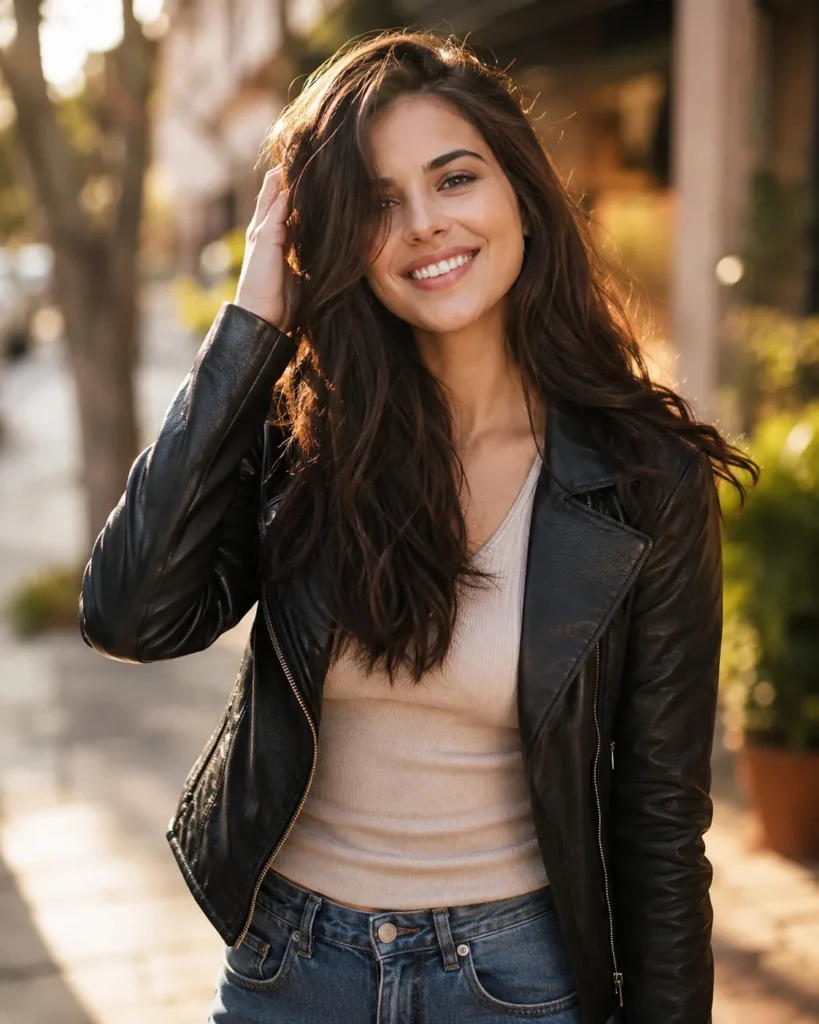
This leather jacket woman AI prompt generates a stunning golden hour fashion portrait of a stylish young woman with a bright, carefree smile. She stands in a relaxed pose, body slightly turned toward the camera, with one hand gently touching her hair. Her energy feels spontaneous and real, like a moment caught between laughter and conversation.
She wears a fitted black leather jacket layered over a soft neutral top, paired with relaxed denim jeans. The outfit combines edge and comfort, which feels perfect for modern urban style. It creates a subtle contrast against the sleek leather and casual denim.
The visual style is cinematic and editorial. The image uses an 85mm lens on a full-frame DSLR, which gives crisp facial detail and a shallow depth of field. The background melts into soft bokeh, so the viewer’s focus stays on her expression. The 4:5 aspect ratio makes it ideal for social media platforms and print layouts.
Lighting is warm and natural, captured during golden hour when the sun sits low and soft. This light wraps gently around her face and hair. It creates glowing highlights and smooth, flattering skin tones. The urban street setting includes hints of greenery and warm textures, adding depth without stealing attention.
You can use this image as a hero visual for lifestyle or fashion brand campaigns. It works beautifully for social media ads and profile aesthetics that want an authentic, aspirational feel. It is also a strong choice for blog headers, lookbooks, or portfolio covers that highlight confident, modern femininity in a real-world setting.
Generated with Gemini
How to Customize This Leather Jacket Woman AI Prompt
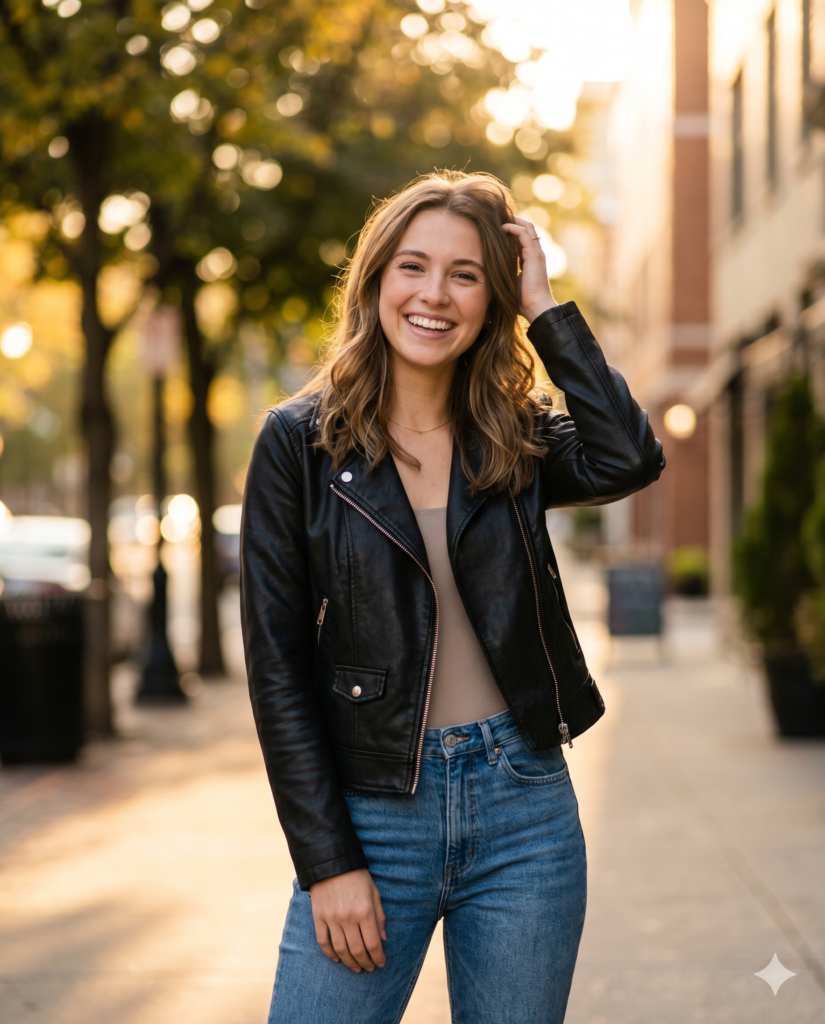
You can easily modify this prompt to fit your specific project needs. Changing a few words can create entirely new aesthetics. For instance, swap the black leather jacket for a vintage brown aviator style. You can also adjust the location. Move the subject from an open urban street to a cozy indoor cafe or a sleek modern office.
- Upload Your Reference Image: First, upload the photo of the person. By doing so, you allow this prompt to strongly preserve the facial structure, proportions, and hairstyle from your reference image.
- Copy & Paste the Prompt: Once you have attached the image, paste the full prompt text into the Gemini message box. Then, hit enter to generate your scene.
If you need a different mood, try altering the lighting instructions. Change the golden hour sunlight to cool neon city lights. This simple swap provides a dramatic visual shift. The core structure of the prompt remains strong regardless of these small tweaks.
Best Generators for This Leather Jacket Woman AI Prompt
Different AI image generators handle photography prompts in unique ways. Midjourney excels at capturing cinematic lighting and realistic fabric textures. You will get stunning results by pasting this exact text into their generator. It understands the camera lens instructions perfectly.
Stable Diffusion gives you more fine control over specific facial features. You can run this text through interfaces like ComfyUI for advanced generation. It allows you to combine the text with specific fashion models or styles. DALL-E 3 also responds well to this detailed description. It will follow the clothing and setting instructions very closely.
Why Cinematic Lighting Matters in AI Art
Lighting makes or breaks an AI portrait generation. Golden hour light is universally flattering for human subjects. It adds a natural warmth that makes skin textures look highly realistic. This specific lighting instruction helps reduce the artificial, overly smooth look often seen in AI images.
The shallow depth of field keeps the focus entirely on the subject. The soft background bokeh separates her from the busy street behind her. This creates a professional editorial look. If you enjoy this warm aesthetic, explore our other portrait guides.